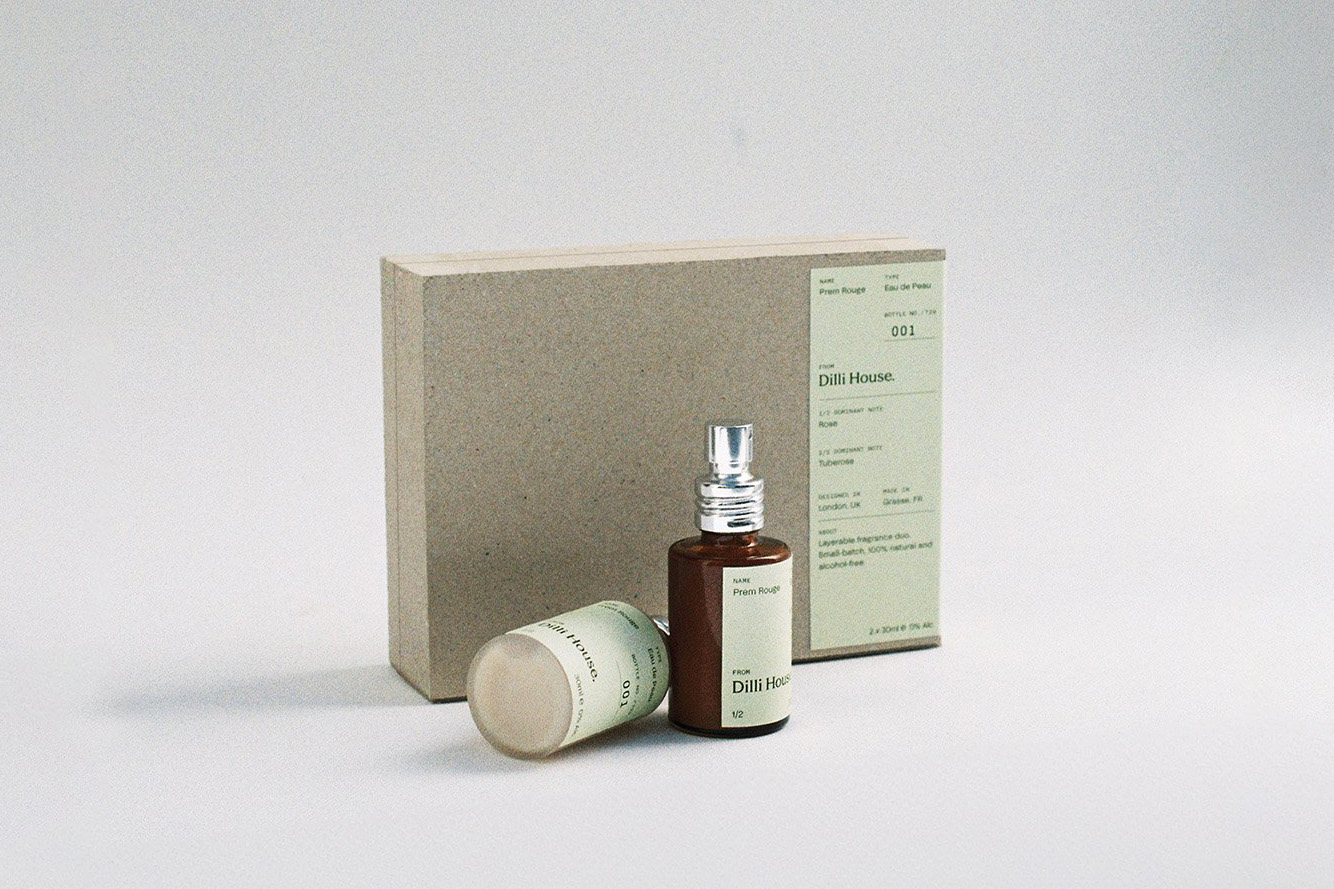
Check the intended reading direction of a separate label against the box opening and display orientation. This is an external-label reference, not evidence of inside print or a particular manufacturing method. Third-party reference; not a Bravo Package project.
A perfume box can look right when closed and reveal upside-down wording when opened. Preventing that mismatch starts with a shared viewing position: how the finished box stands, where the customer sits or stands, and which way the lid moves. Mark the inside, outside, top edge and opening direction of each component, then check the artwork on a corresponding folded sample. A flat screenshot and an instruction to “flip the back” leave too much open to interpretation.
Start with the finished viewing position
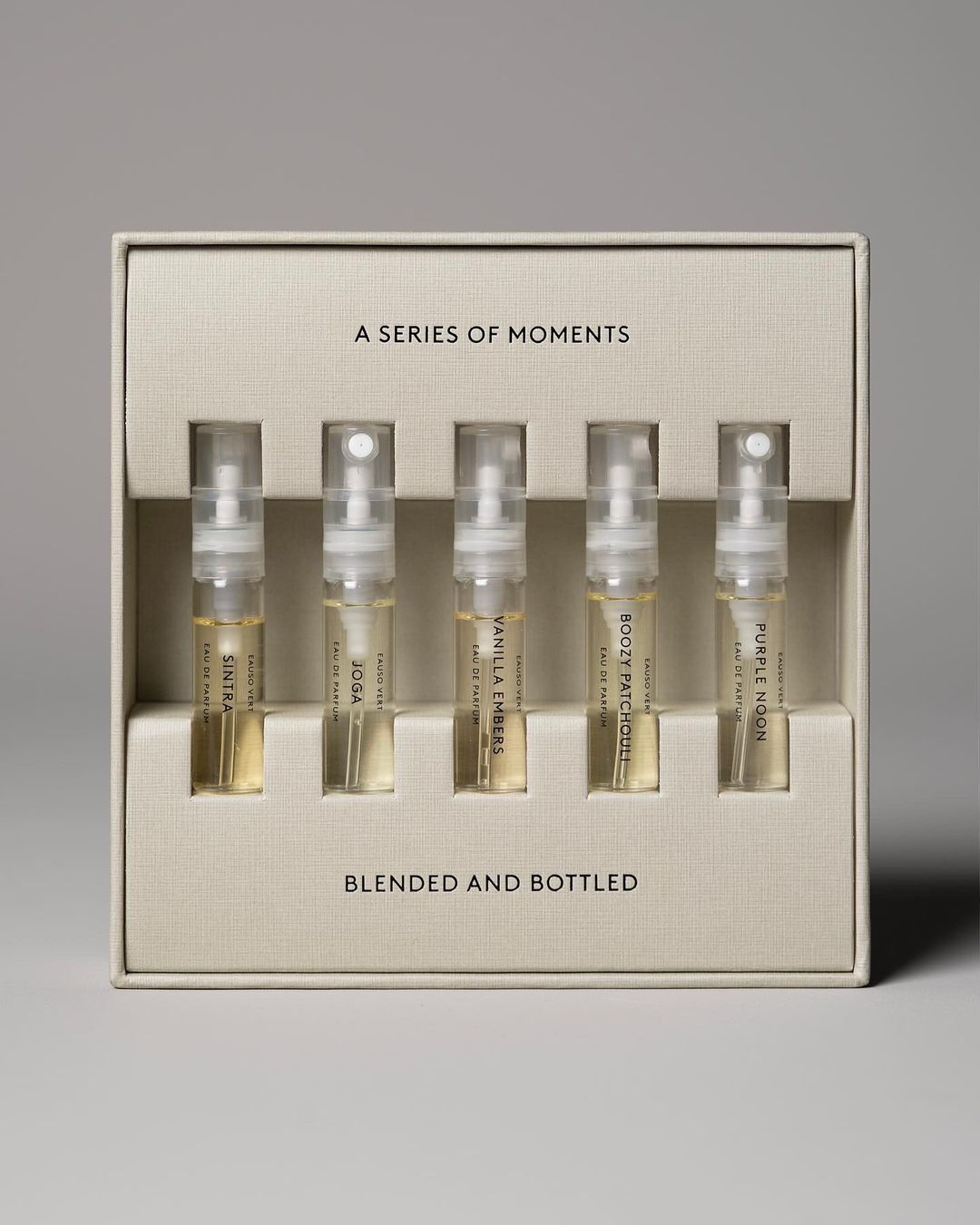

Define the scene before judging the artwork. Will the box stand upright on a shelf or lie flat? Which face is presented first, and from which side will the customer open it? Decide whether an inside-lid message should face the reader immediately after opening or be read from another position after removing the product. Text pointing down on a flat layout may be correct after folding.
Name the components separately: carton, sleeve, lid, base, insert and loose card. Each can move independently. Mark the finished top edge and opening direction for each one instead of using a single arrow for the whole set. The bottle label can help establish the intended presentation, but its orientation and the artwork on the surrounding pack still need separate checks.
Identify the actual printed surfaces

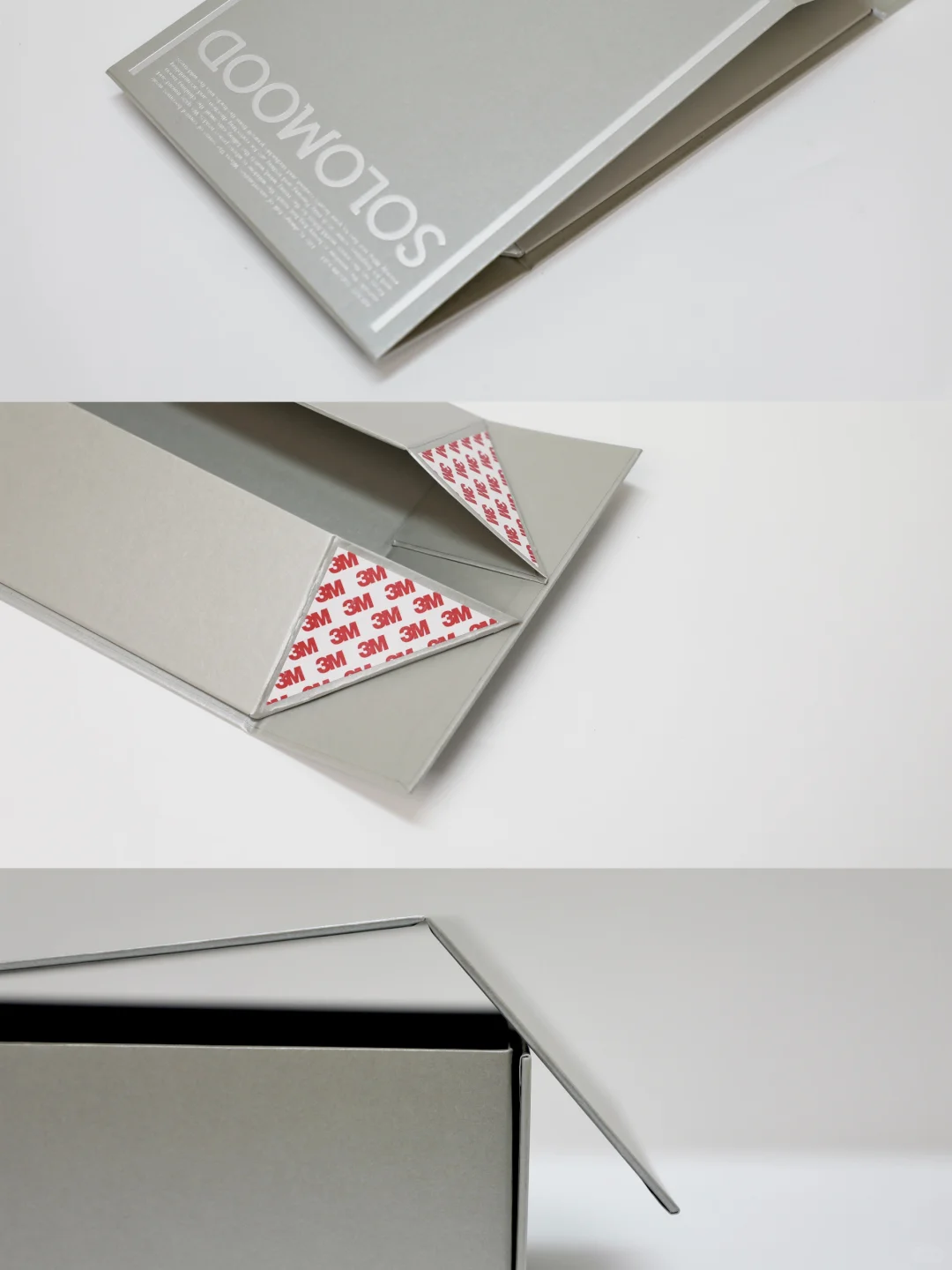
“Print both sides” does not fully describe the job. Printing the two faces of a folding-carton sheet differs from decorating separate inner and outer covering components on a rigid box. Ask the supplier to identify which structural file, sheet or part corresponds to the inside lid, walls, base and insert. An unprinted inside is not necessarily white.
On an annotated reference, label each surface as inside or outside and identify its component and panel. For a removable card, specify which face appears first and how it should be turned to read the other side. Photographs can communicate the desired reading position; they cannot establish hidden decoration, wrapping construction or the contents of a production file.
Agree how the inside view is represented
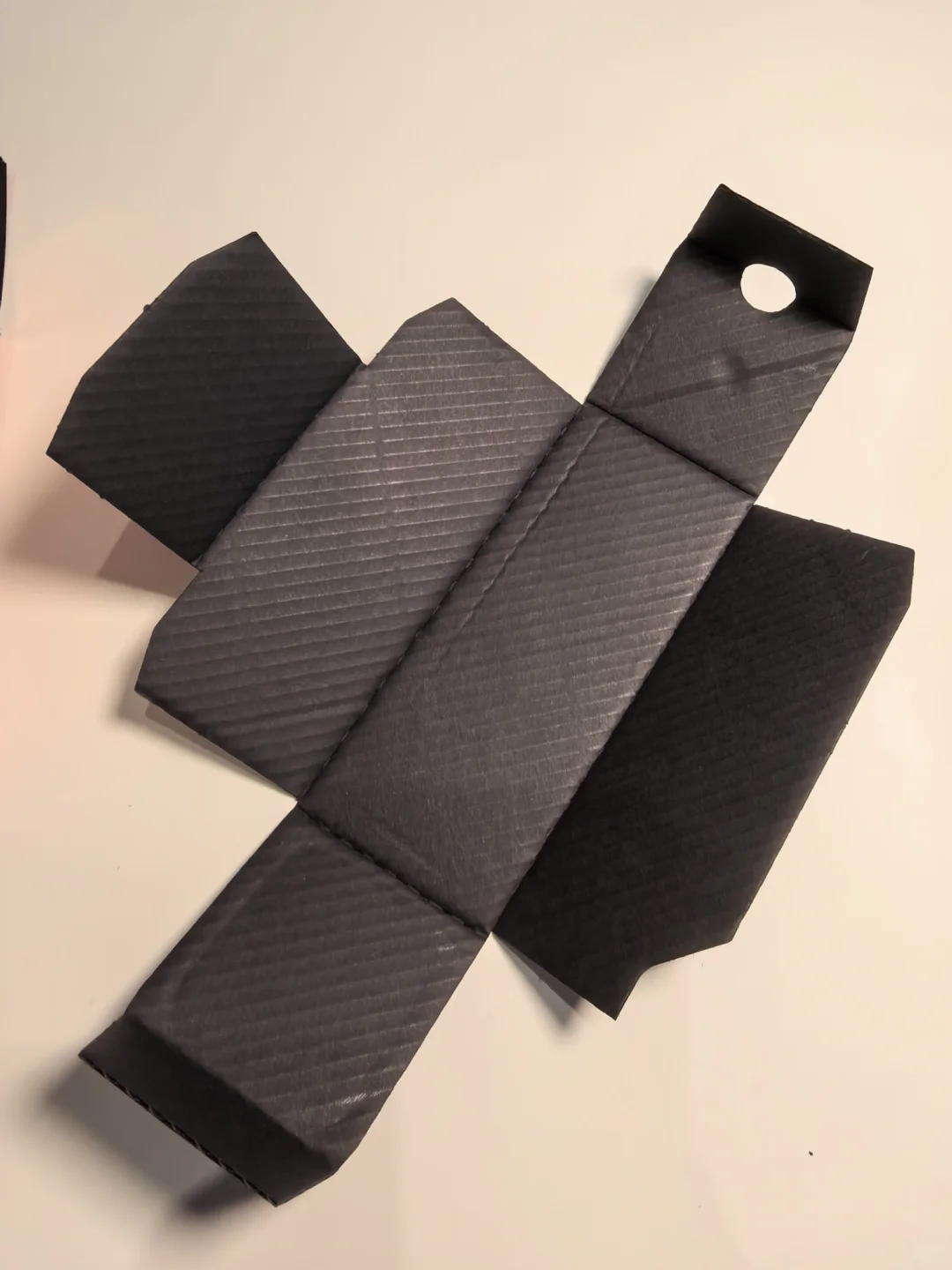
Before reviewing the inside artwork, establish what the view represents. Are you looking directly at the inner surface, or at information positioned against an outside-facing layout? Ask the production team how the two views correspond. Mark the top edge, opening direction and an asymmetric reference on the same named panel. Two pages displayed upright are not proof that the artwork matches, and inside lettering should not automatically be mirrored.
Esko’s Studio Designer documentation gives a specific software example: selecting the back print side for a supported ArtiosCAD structural file mirrors the structural layer for back-side artwork alignment. That is a defined workflow, not a universal instruction to mirror supplied files manually. Confirm the receiving team’s convention. Office-printer long-edge or short-edge settings, and reverse printing for film packaging, do not establish the correct submission method for a paper box.
Follow the opening sequence panel by panel
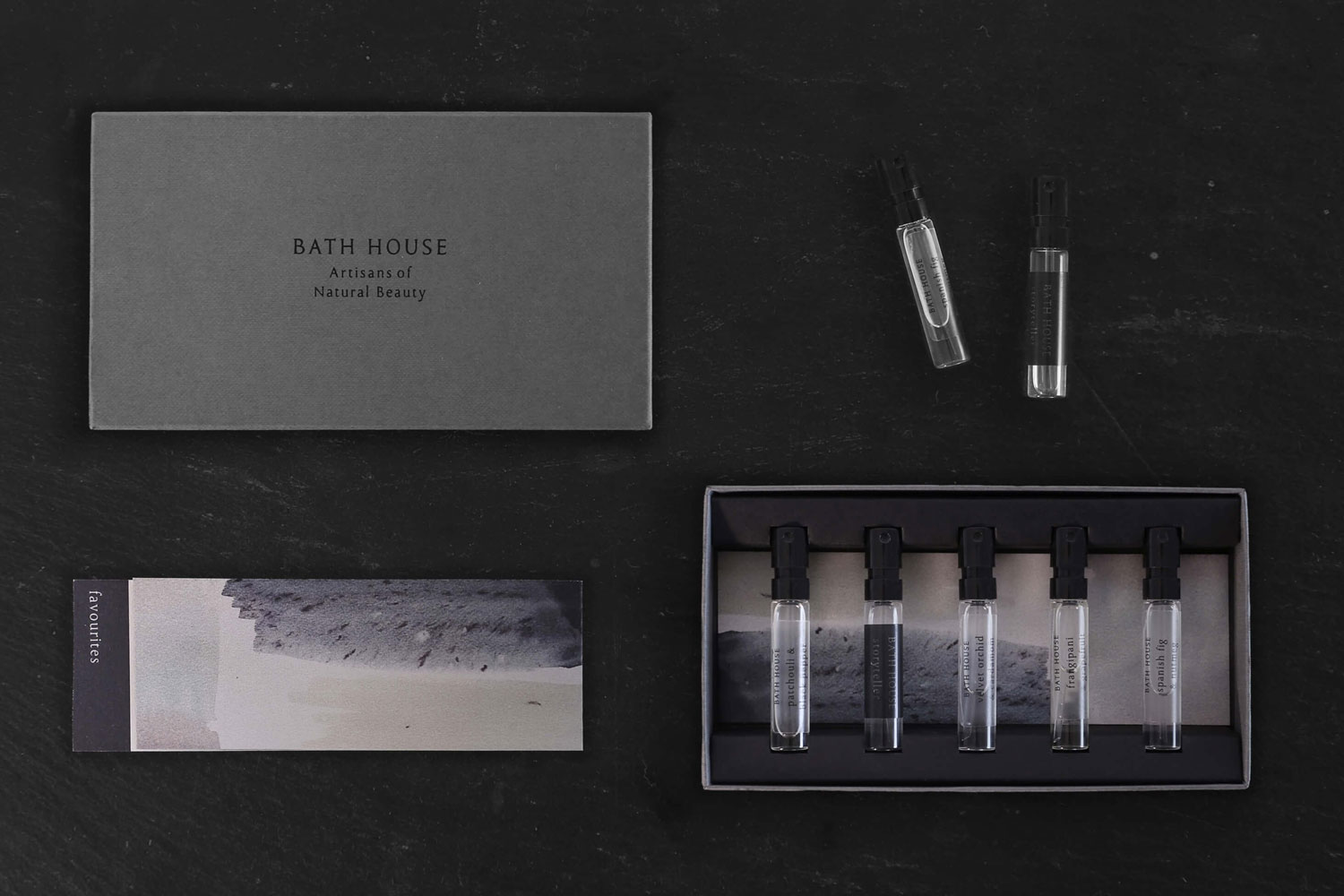
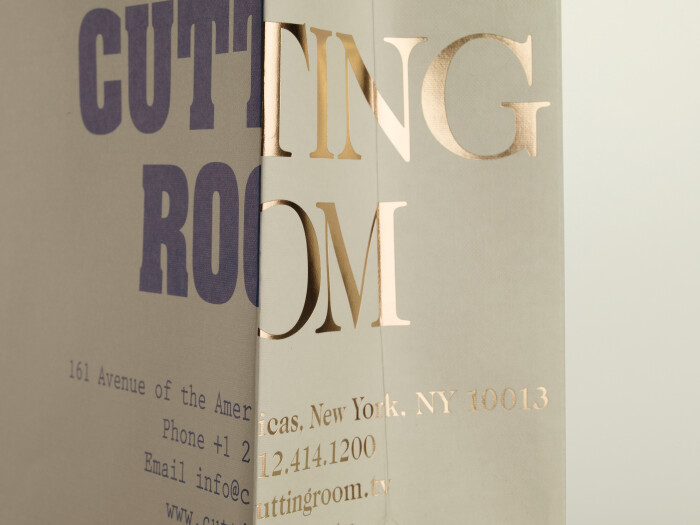
Review the pack in the order the customer encounters it: closed exterior, opened lid, exposed walls and product information, then any message revealed after removal. Check reading direction, logo placement and the order of information on each surface. Look for flaps, lids or inserts that hide text. Artwork crossing a fold must be judged in its formed position, not only for continuity on the flat sheet.
When something appears upside down, first check the viewing side, component identity and revision. Do not rotate every panel to make the flat file look tidy. Likewise, do not move a crease or alter an opening to accommodate wording. Mark the affected panel and the action that reveals the problem, then have the structural and prepress teams confirm the appropriate change.
Verify with a corresponding folded sample
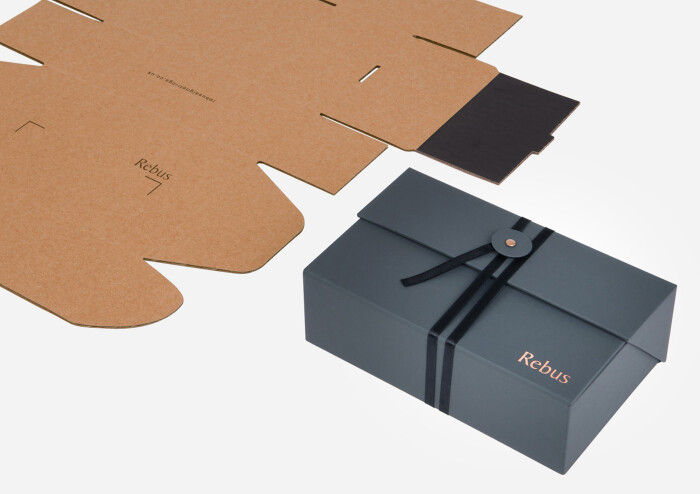
A paper mock-up labelled with inside, outside and top-edge markers is useful for discussing direction. It is not production approval. For the formal check, use a folded sample corresponding to the submitted structural revision, with identifiable artwork on the relevant sides. Ask how it was made and what it can confirm. An unprinted structural sample can explain opening and panel relationships but cannot validate inside wording that it does not show.
Maintain the agreed viewing position while matching the annotated flat reference to the formed surfaces. Open the pack, remove the product and turn the card as intended. Photograph the closed, opened and emptied states, identifying the top edge and component. Digital folded previews can help expose problems. If a sample has been pasted together, scaled or trimmed by hand, establish whether those changes are reflected in the current files before accepting the correspondence.
Record direction approval against the revision

Keep the structural revision, outside artwork, inside artwork, component names and direction reference together in one handover index. Notes such as “top edge,” “opening” and “direct view of inside” must match the approved sample. An inside/outside filename alone is insufficient. Ask the receiving team how the references will be handled in prepress rather than choosing the press-sheet turning method yourself.
Record which surfaces and opening states were reviewed, which sample was used and what remains unresolved. If the inside-view convention, structure, opening direction or card placement changes, recheck the affected artwork and sample. An old screenshot cannot approve a new revision. The useful outcome is a traceable relationship between the file, the named surface and the corresponding physical view.