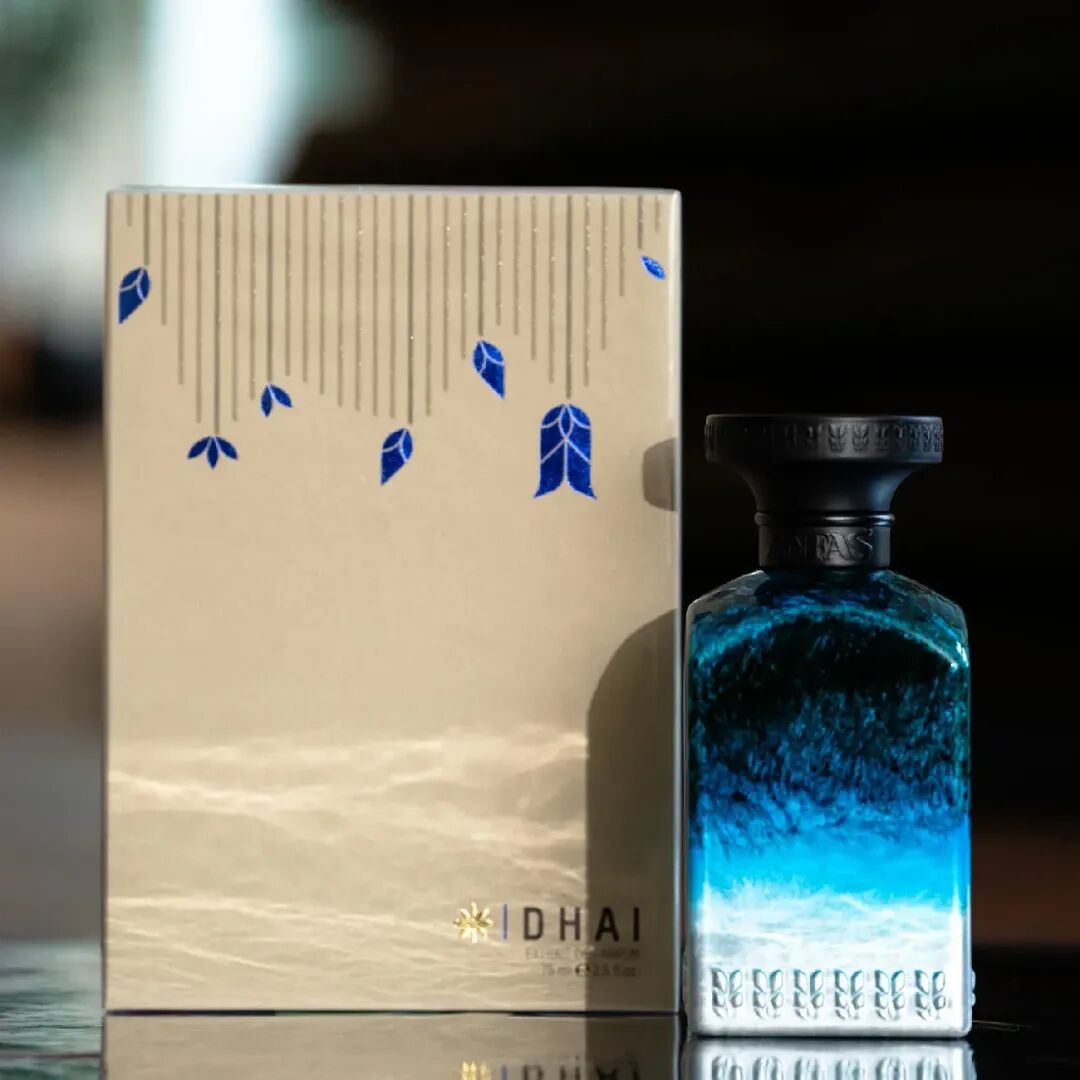

Give the front panel one clear job. For example, shoppers should be able to identify a woody-fragrance discovery set with six vials in a glance. Decide what the name, scent graphic and accent color communicate, then test the layout at shelf and phone size.
Define what shoppers should recognize
List the product category, brand, scent or use and the most important size detail. Existing customers may look for the latest scent. A new range may need a clearer category name. A set can lead with the count and volumes. Check whether product photography or scent illustrations make the actual format clear. Send any product claims through brand review.

Give important information a consistent position
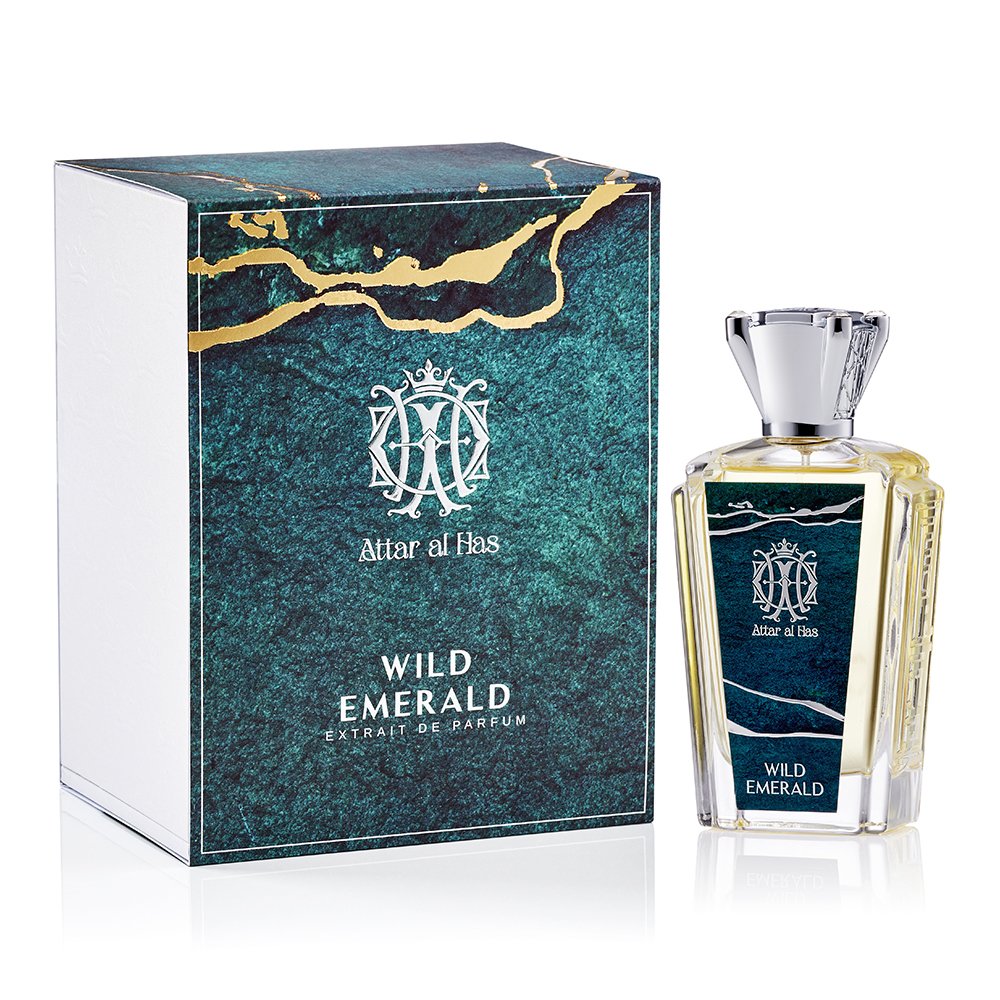
Keep the product name prominent and place scent and size nearby. Use graphics to help distinguish variants and retain readable descriptors. Move secondary copy to another panel. Adjust contrast, spacing or weight if the central artwork interferes with type. Show a couple of layouts and ask viewers what they read first.

Check the layout on the finished shape
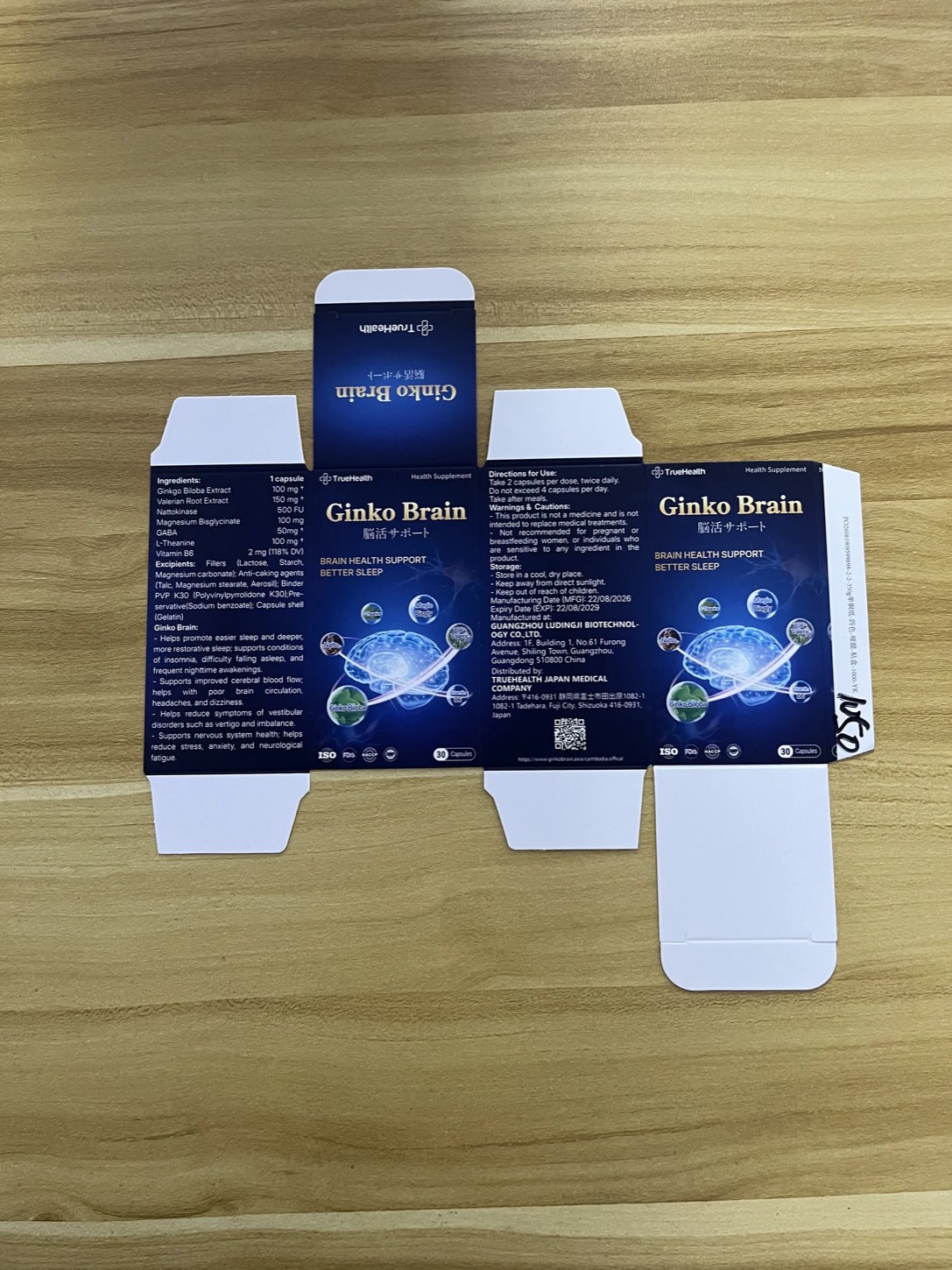
Fold a full-size mockup from the released dieline. Check seams, creases, windows, curved areas and surfaces a shelf tag may cover. Test the smallest version with the longest name and multilingual copy. Mark any broken graphics, white fibers or drift between sides on the sample.
With BravoPackage fragrance sets, ask someone unfamiliar with the design to identify the scent, the volume and the vial count on a single-bottle carton and a discovery box. A lid edge or belly band can conceal the count. If phone thumbnails show little beyond the brand mark, move the size information to a clear, consistent area and retake the photos.


Use both shelf and mobile viewing to approve it
Set up the intended shelf angle and height with neighboring products. Ask people to find a named scent and read the size, then record where they hesitate. Photograph the actual pack for a phone-sized listing and check category and SKU recognition. Use the sales channel's image requirements.


Record the information production must preserve
Give the printer the selected artwork, orientation and approved text. Inspect product name, size, color and placement before reviewing visual consistency across the lot. For promotions or SKU changes, reconcile product records, listing photos, artwork and older carton inventory.